
Camera setup · Arecont Vision
Connect an Arecont Vision camera to VISEC.
Arecont Vision made its name on megapixel cameras, which is exactly what plate recognition wants - resolution across a wide lane. The range supports ONVIF, and the one thing to plan for is the multi-sensor models, which present each sensor separately.
Download VISEC free
One camera free for life · Windows 10 & 11 · no card, no email.
First, try the easy way
Press scan.
VISEC searches your network for ONVIF cameras and lists what it finds. If your Arecont Vision camera already has ONVIF switched on, it appears here and you are watching live in a few seconds — nothing below is needed.
Getting it connected
If the camera does not appear.
Menu names move around between firmware versions, so treat these as the place to look rather than an exact path.
-
Find the camera on the network
Run VISEC's scan, or use the manufacturer's discovery utility to confirm the address.
-
Open it in a browser and check ONVIF
Sign in and look under the network or system settings for the ONVIF option. Enable it if it is off.
-
Note how many streams the camera offers
A multi-sensor model typically exposes each sensor as its own stream or channel.
-
Add each stream in VISEC
Scan to add an ONVIF camera, then add the remaining sensors as their own cameras so all of them record.
PortsHTTP 80, RTSP 554.
Multi-sensor counts as several camerasEach sensor records independently, so a four-sensor unit uses four of the cameras your license allows.
Good for plate readingHigh resolution across a wide view is what multi-lane plate recognition needs - see the plate recognition setup guide for lens and lighting advice.
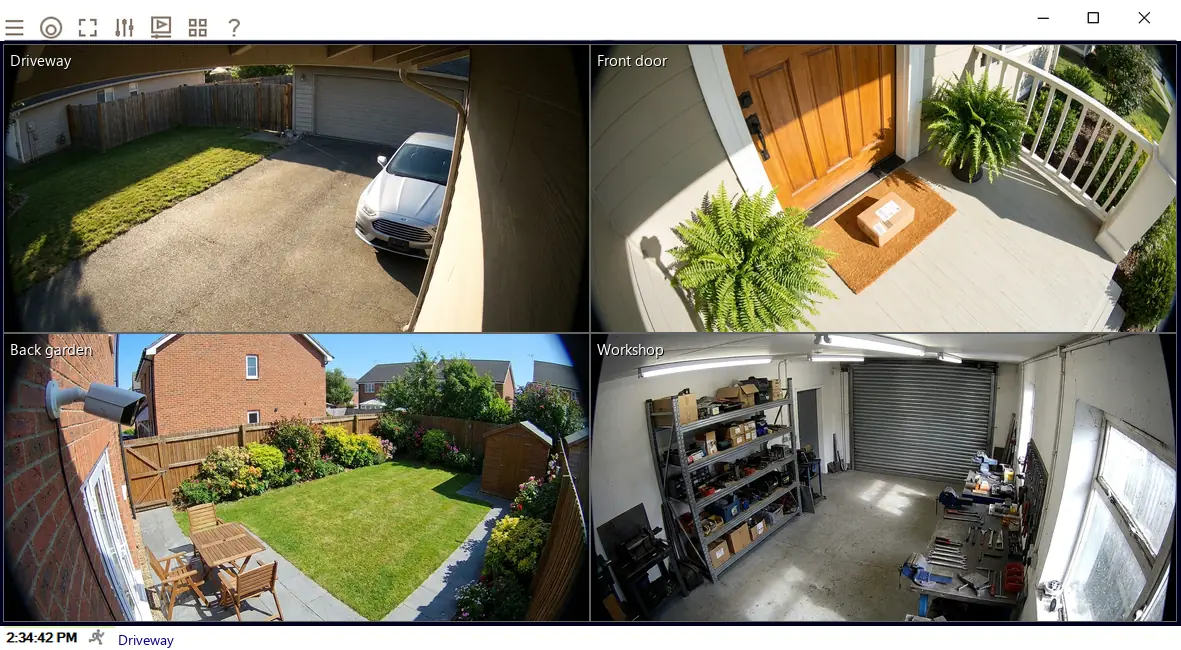
Once it is connected.
- Watch it liveOn its own or beside your other cameras, across up to 8 monitors.
- Record on motionChoose the part of the picture that matters and how sensitive it should be.
- Get an emailA snapshot the moment motion starts, so you know without watching.
- Read number platesPlate recognition is included in every license, including the free one camera license.
Try it on your Arecont Vision camera tonight.
The complete software, free for life on one camera. No card, no email, no trial clock.